
Premium DSTV Explora Installation Across Gauteng
Expert DSTV Explora setup for homes and businesses in Johannesburg, Pretoria, Centurion, Midrand and beyond. Full PVR setup, smart LNB configuration, dish alignment and Explora activation — done right the first time, backed by our 12-month workmanship guarantee.
Fill in your details — we'll call you back within 30 minutes during working hours.
Your details are private and secure. No spam, ever.
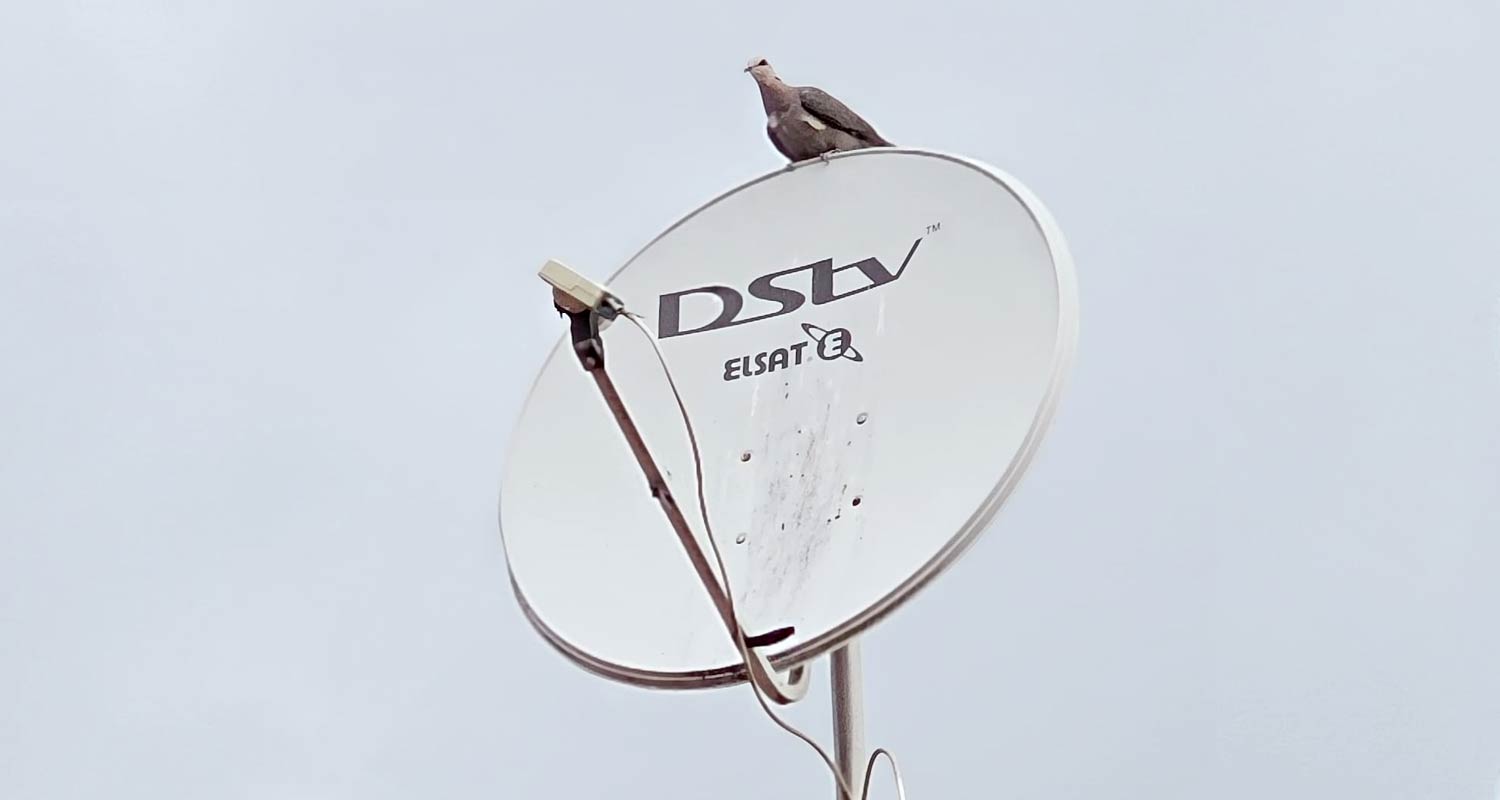
Built to Entertain. Installed to Last.
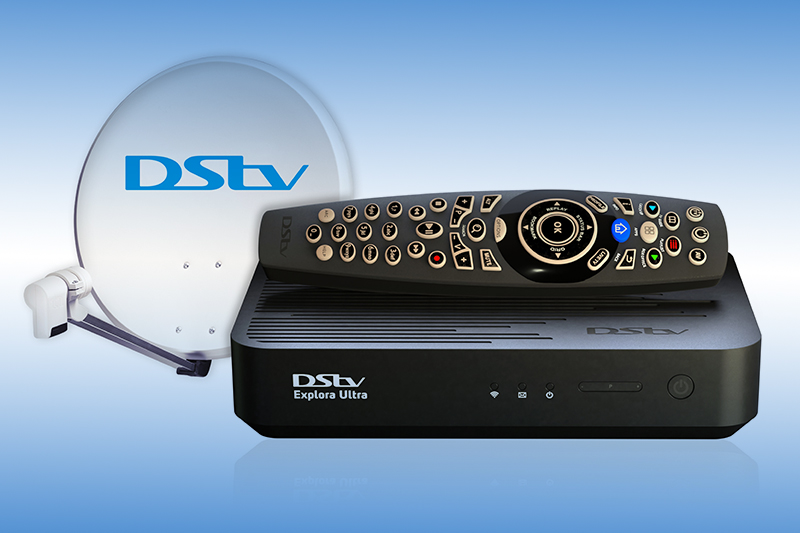
The DSTV Explora is South Africa's flagship satellite decoder — a premium PVR system that lets you record up to 220 hours of HD content, pause and rewind live TV, watch one channel while recording another, and stream Catch Up, BoxOffice, Showmax and DSTV Now from a single device.
But the Explora is only as good as its installation. That's where we come in. As MultiChoice-approved installers following official DStv support processes, we handle every detail with precision — from satellite dish alignment to smart LNB configuration, professional cable routing, decoder activation and a complete walk-through of your new system.
Whether you're upgrading from an HD decoder, replacing a faulty Explora, or installing for the first time, our complete DStv installation services will have your system live, tested and demonstrated in around two hours — neatly, professionally, and guaranteed.
Everything Your Explora Setup Needs
A complete, end-to-end DSTV Explora installation service handled by accredited technicians. No corner cutting, no surprise extras — just professional workmanship delivered the right way, every time.
Site Survey & Planning
On arrival, we inspect your property, identify the best dish location for clear line-of-sight to IS-20, and plan the cleanest cable route — before any work starts.
Dish Supply & Mounting
We supply and securely mount a brand-new 80cm DSTV-approved satellite dish — or reuse and re-align your existing one if it's in good condition.
Precise Dish Alignment
Using professional satellite signal meters, we align your dish to IS-20 at 68.5°E with the correct azimuth, elevation and LNB skew — for maximum signal strength.
Smart LNB Configuration
The Explora needs a Smart LNB (SCD2) for full PVR functionality. We supply, install and configure the correct LNB and weatherproof every connection.
Cabling & Connectors
Premium 75-ohm coax routed neatly through walls, ceilings or trunking. Professional F-connectors, properly crimped and weatherproofed at every join.
Decoder Setup & Activation
Decoder positioned, HDMI connected, smart card paired with MultiChoice, software updated and PVR storage initialised — ready to record from minute one.
Internet & Streaming Setup
Wi-Fi connector installed or Ethernet cable run for full Catch Up, BoxOffice and Showmax access. We optimise placement for stable streaming.
Channel Scanning & Testing
Full channel scan and signal strength testing on every transponder. Any weak signals are diagnosed and corrected before we leave your property.
Demo & Handover
Full walk-through of every Explora feature — recording, Catch Up, BoxOffice, parental controls — plus your 12-month workmanship guarantee paperwork.
Why Professional Installation Matters
DIY or budget Explora installs may save a few rand upfront — but they consistently lead to weak signal, recording failures, and frustrating callouts. Here's why a properly installed Explora is worth doing right the first time.
-
Correct Satellite Alignment
The Explora needs precise alignment to IS-20 at 68.5°E with correct skew. Even 1° off and you'll lose the high-frequency transponders — meaning missing channels and dropouts in bad weather.
-
Right LNB for PVR Recording
An ordinary LNB will not give you full Explora PVR capability. Only a Smart LNB (SCD2) lets the Explora record one channel while you watch another — the #1 cause of failed recordings.
-
Quality Cable & Connectors
Cheap RG-6 cable with poorly crimped F-connectors lets in moisture and corrodes within a year. We use only quality 75-ohm coax and weatherproof connectors that last 10+ years in the Highveld.
-
Proper Smart Card Pairing
Smart card pairing with the Explora must be done through the MultiChoice activation system — not just slotted in. Get this wrong and your channels won't unlock or your recording rights are blocked.
-
Weatherproofing & Surge Protection
Gauteng's lightning storms destroy poorly grounded systems. We weatherproof every external connection and recommend surge protection at the wall feed-through to protect your decoder.
From First Call to First Recording
Booking your DSTV Explora installation is fast, transparent and stress-free. Here's exactly what happens after you reach out.
Get in Touch
Call, WhatsApp or fill in our online quote form. It takes about 30 seconds.
Free Consultation
We confirm your needs and provide a clear, itemised quote — no pressure, no obligation.
Technician Dispatched
An accredited installer arrives same-day, fully equipped with everything required.
Enjoy Your Explora
Installed, activated, demonstrated and guaranteed — usually in around two hours.
Explora Problems? We Fix Them.
The Explora is powerful — but it's also sensitive to bad installation. Here are the most common issues we see in Gauteng Explora setups, and how our technicians resolve them on the spot.
1E48 No-Signal Errors
Caused by poor dish alignment, faulty LNB or water-damaged coax — especially common after summer storms in Pretoria and the East Rand.
2Recordings Failing or Skipping
Almost always caused by using a standard LNB instead of a Smart LNB (SCD2). The Explora cannot record one channel while watching another without the correct LNB.
3Channels Missing or Locked
Smart card not paired correctly with the Explora — often caused by incorrect activation or a previously-used smart card not being re-paired.
4Frequent Signal Drops in Rain
The Explora is sensitive to rain fade, but the symptom is usually exaggerated by a marginally aligned dish or low-gain LNB.
5Catch Up / Showmax Not Loading
Explora can't access streaming features without stable internet. Cause: weak Wi-Fi at the decoder or no DSTV connector installed.
6Pixelation or Freezing Picture
Marginal signal strength is the usual culprit — especially on high-frequency transponders like the Premium HD channels.
7Hard Drive Errors / "No Storage"
Explora's internal hard drive can fail after years of use. Symptoms: unable to record, recordings disappearing, system freezing.
8Audio / Video Sync Issues
Less common — usually caused by HDMI cable degradation, decoder firmware, or TV-side audio settings on certain Samsung / LG models.
DSTV Explora Installation Across Gauteng
Our mobile DSTV Explora installation teams operate from multiple zones across Gauteng — so we get to you quickly, usually the same day. Click any area below for detailed local information.
Plus Hundreds of Suburbs Across Gauteng
We also cover Bryanston, Rosebank, Hyde Park, Bedfordview, Melville, Northcliff, Parktown, Kensington, Hatfield, Menlyn, Pretoria East, Pretoria North, Sunnyside, Arcadia, Lyttelton, Irene, Highveld, Kyalami, Carlswald, Halfway House, Honeydew, Weltevreden Park, Little Falls, Ferndale, Northgate, Greenstone, Glen Marais, Meyersdal, Brackenhurst, Vereeniging and many more. Not sure if we cover your suburb? Just call or send a WhatsApp — we'll confirm in seconds.
Ready to Book Your Explora Installation?
7 days a week — same-day Explora slots available across Gauteng. No deposit required.
Explora Installation Questions
The most common questions we receive about DSTV Explora installation across Gauteng. Don't see your question here? Just reach out — we're always happy to help.
Our standard DSTV Explora installation is a complete, end-to-end service — site survey, dish supply or re-alignment, smart LNB configuration, professional cable routing, F-connector crimping, decoder setup, smart card activation, software updates, full channel scanning, demonstration of every feature and a 12-month workmanship guarantee.
Not always. If your existing DSTV satellite dish is in good physical condition (no rust, no warping, no cracks) and is correctly aligned to IS-20, it can usually be reused. The Explora does require a Smart LNB (SCD2) for full PVR functionality, so an LNB upgrade is almost always needed. Our technician will inspect and confirm exactly what's needed before any work starts.
A standard DSTV Explora installation takes around 1.5 to 2.5 hours from arrival to handover. This covers site survey, dish mounting, cable routing, smart LNB install, decoder setup, smart card activation, channel scanning and a full demonstration. More complex jobs (wall feed-throughs, multi-room linking, outdoor lapa installs) may take 3 hours or more.
Yes. We offer same-day DSTV Explora installation across most of Johannesburg, Pretoria, Centurion, Midrand, Randburg, Roodepoort and surrounding Gauteng. Bookings made before midday are usually completed the same day. Weekend and public holiday bookings are available too.
Yes — but only when installed correctly with a Smart LNB (SCD2). With the right LNB, the Explora can record up to two channels while you watch a third. Using a standard LNB, it can only record what you're watching. This is the #1 reason Exploras are mistakenly called "faulty" — almost always it's the wrong LNB.
The DSTV Explora has a built-in 2TB hard drive that holds approximately 220 hours of HD recording (or much more in standard definition). You can also set up series-link recording so entire seasons are captured automatically.
Yes. We do outdoor Explora installations in lapas, patios, gardens, pool decks and entertainment areas across Gauteng. Outdoor installs require UV-resistant cabling, weatherproof connectors, sealed wall feed-throughs and surge protection — all included as standard on outdoor jobs.
Absolutely. The Explora is fully Extra View compatible. We can link it to a second HD decoder or Explora to give you multi-room viewing on a single DSTV subscription. See our Extra View installation page for full details.
Yes. Once installed and connected to your home internet (Wi-Fi connector or Ethernet cable), the Explora gives you full access to DSTV Catch Up, Showmax integration, BoxOffice movie rentals and DSTV Now streaming. We help configure your internet connection and demonstrate every feature at handover.
Both options are available. You can buy your Explora decoder from any MultiChoice retailer or major supermarket and we'll handle the installation. Alternatively, we can supply a brand-new Explora as part of your installation package — let us know when booking.
Yes. We handle commercial Explora installations for guest houses, B&Bs, lodges, boutique hotels, retirement villages and short-term rentals across Gauteng. Commercial installations require MultiChoice commercial licensing — which we also assist with, including bouquet selection and registration.
Yes. Every Explora installation comes with a full 12-month workmanship guarantee. If anything fails due to our installation work (cable connections, dish alignment, mounting, LNB) we return at no cost. The decoder itself remains under MultiChoice's standard warranty.
Yes. We diagnose and repair Explora signal loss, recording failures, smart card pairing issues, channel issues and decoder errors. Most problems are fixed on the first visit. See our DSTV Repairs page for more on signal troubleshooting.
Booking is easy. Call us, send a WhatsApp, or fill in the quote form on the homepage. We confirm immediately and provide an estimated arrival time. No deposit required — you only pay once installation is complete and you're 100% satisfied.